
- Open Gmail app on your device and navigate to the Switch Account area
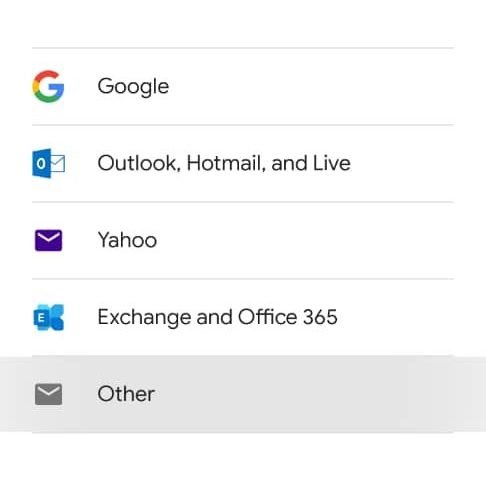
- Open Add Account and select other
- Enter your email address eg. admin@mycopany.co.zw and press next.
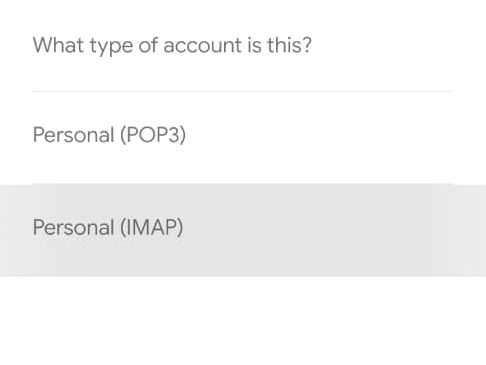
- Select Personal (IMAP) as account type and press next.
- Enter you password for your email you entered before and press next.
- Change the incoming server from mycompany.co.zw to your actual web address or domain name eg. mail.vertico.co.zw and press next
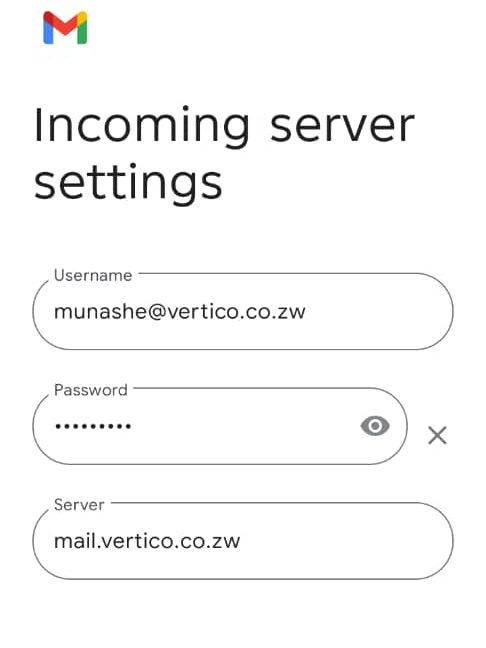
- Change the Outgoing server from mycompany.co.zw to your actual web address or domain name eg. mail.vertico.co.zw (as shown above) and press next
- Add a Display name and save. That’s it


