
WordPress can be easily installed in 2 ways.
OPTION 1
Login to your Control Panel and Scroll to Advanced Features section.
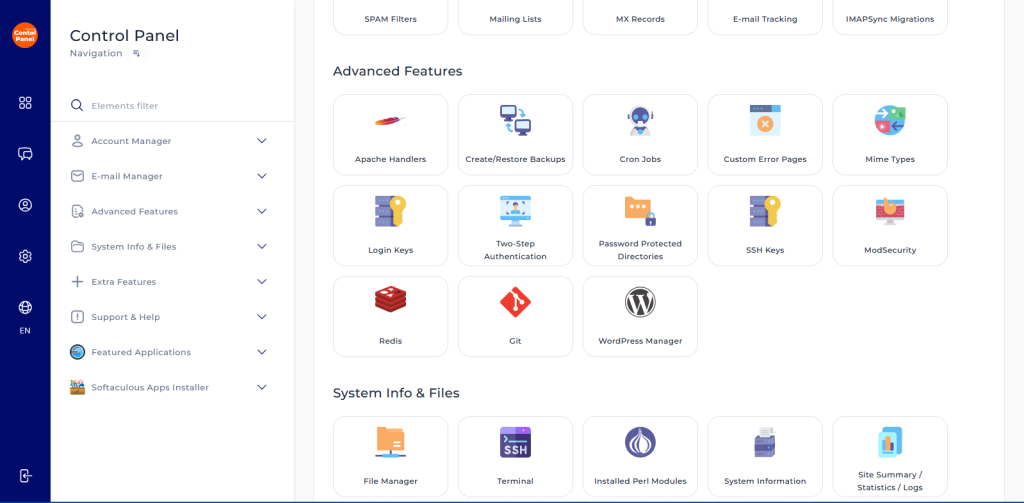
Locate and click WordPress Manager.
Under Locations without WordPress select the location that you want to add the installation.
Give your website a name and enter the logins that you would want to use on your WordPress.
That’s it, you can access your WordPress installation by adding wp-admin to your web address eg. mywebsite.co.zw/wp-admin
OPTION 2
Login to your control panel and scroll to WordPress Manager by Softaculous under Extra Features.
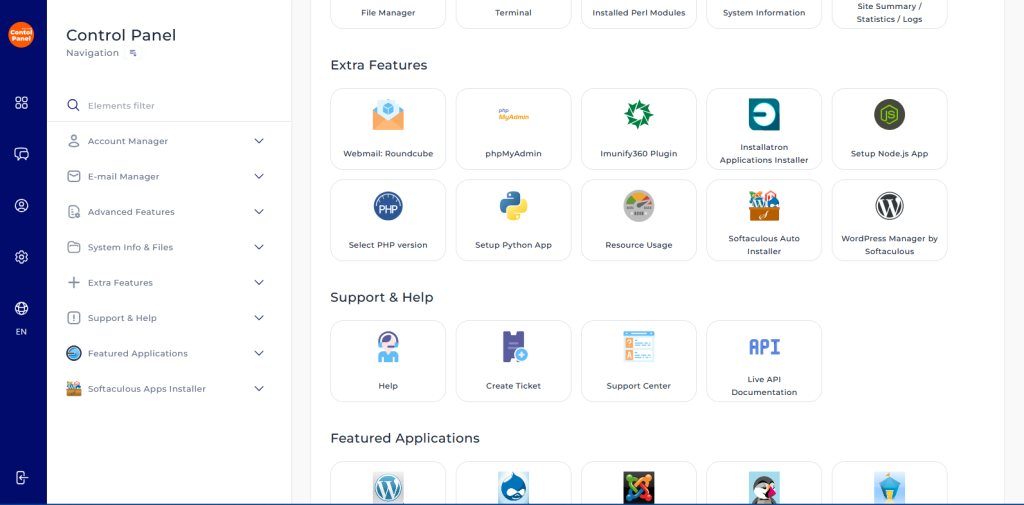
On Softaculous, click install and configure your WordPress website.
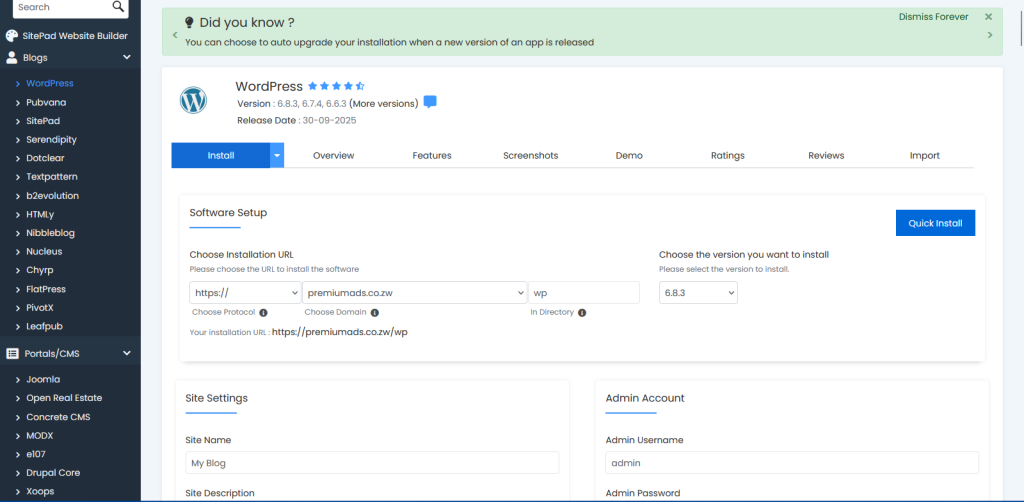
Remove the wp extension on the directory so that it wont appear on your website link.


