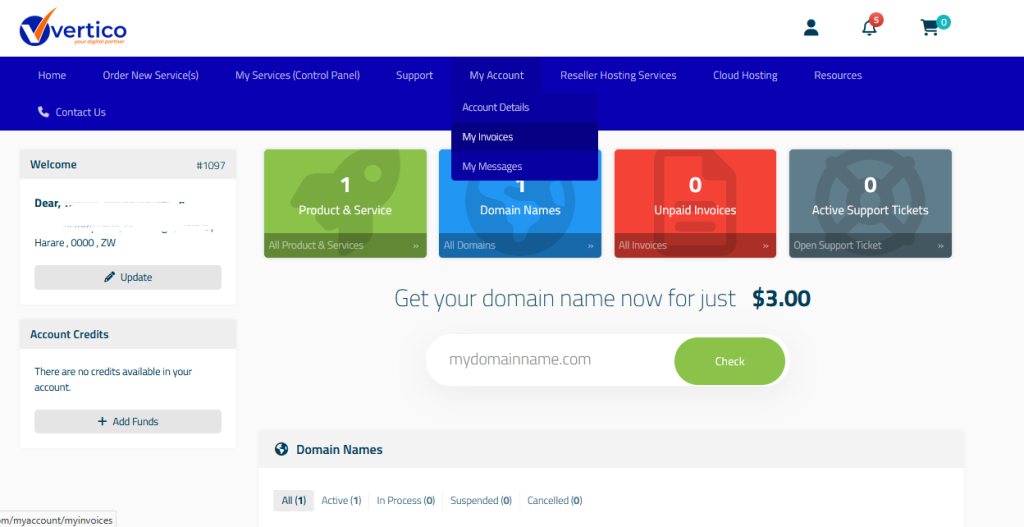
- Once you login to the Billing System, you see the following Dashboard screen.
- You can search for a domain on this interface if you need a new domain.
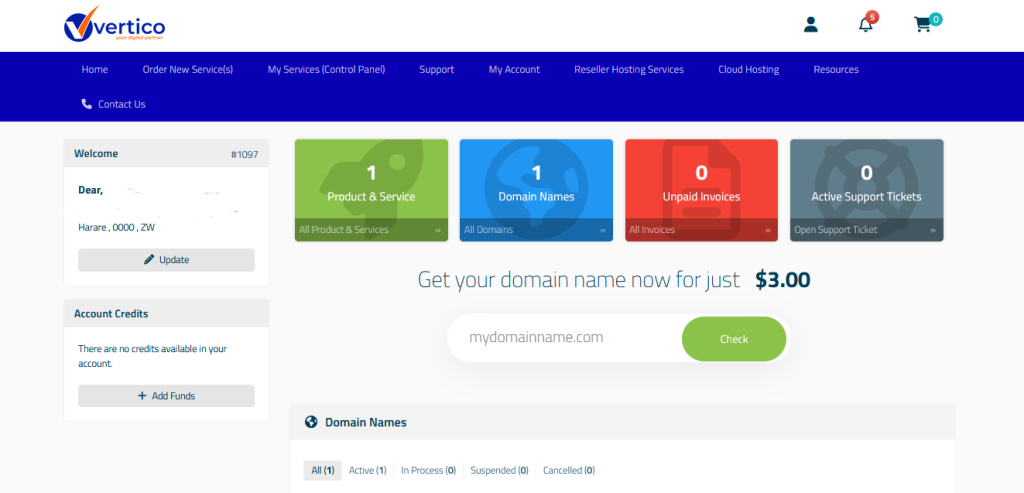
3. Click on the “My services (Control Panel)” to manage your services and access control panel.
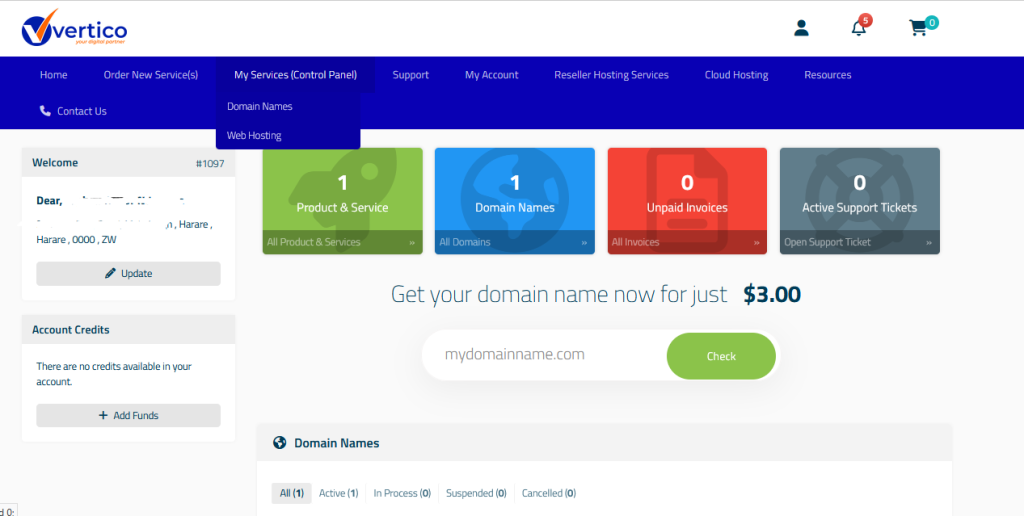
4. Click on “My Account” to edit Account Details. You can also check for upcoming Invoices under “My Invoices”.